Search
October 29, 2025 • Cyber Security Corner
In the world of healthcare technology, data protection isn’t just about compliance, it’s about trust. Every day, home health agencies handle sensitive patient information, from clinical notes and schedules to billing details and caregiver credentials. One small mistake, such as clicking the wrong link, can compromise that data in seconds.
That’s why this month’s cybersecurity focus is simple but powerful: Think before you click.
Phishing: The Most Common Cyber Threat in Healthcare
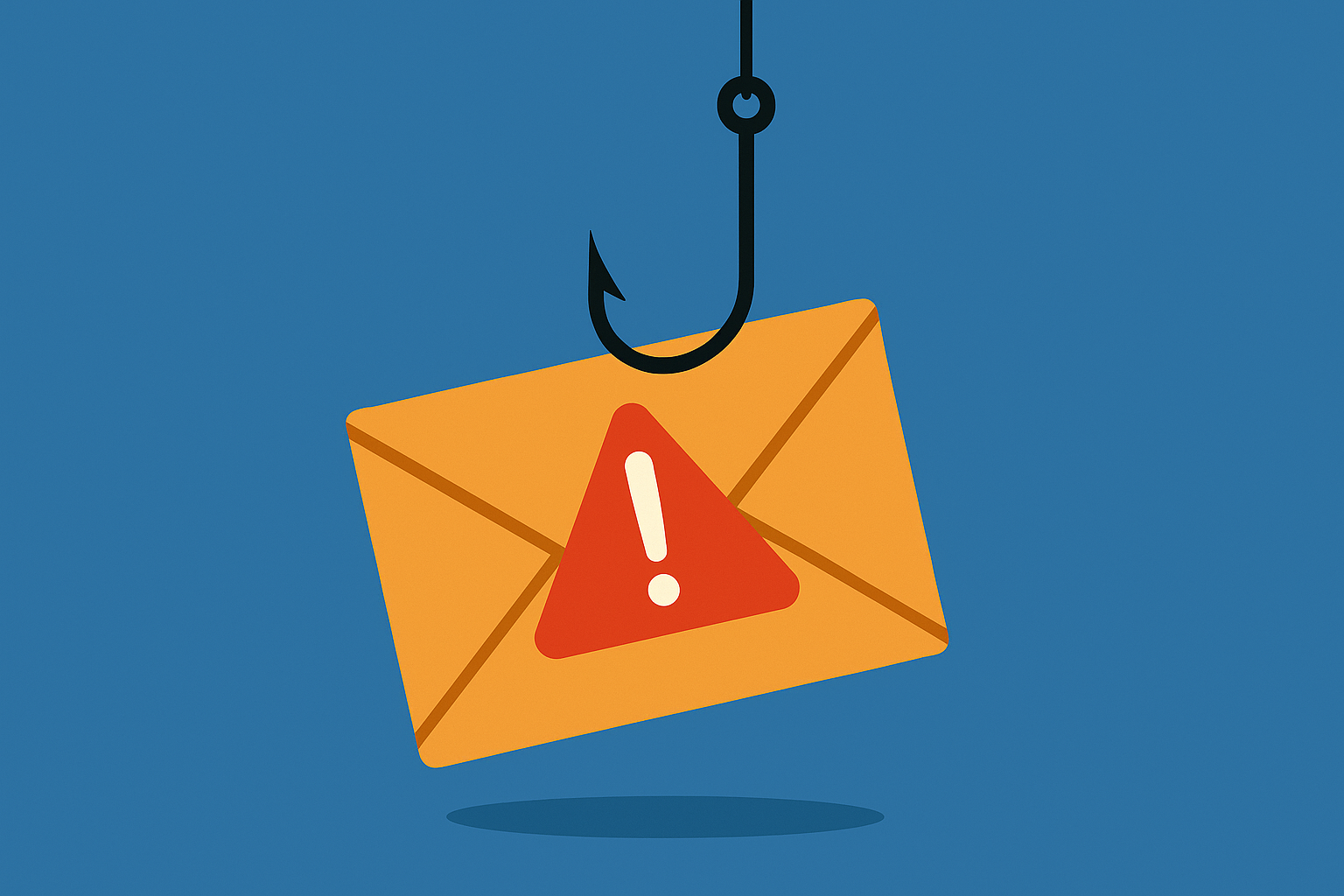
Phishing attacks are one of the most frequent and successful tactics cybercriminals use to gain access to confidential information. These emails are designed to look like they come from a trusted source such as a coworker, a payroll system, or even your EMR provider.
They often include urgent requests like:
- “Your password is expiring. Click here to update it.”
- “View your recent invoice or patient report.”
- “Your account has been suspended. Log in to reactivate.”
The goal is to trick you into clicking a malicious link or downloading an attachment that installs malware or captures your login credentials. Once inside, attackers can access patient data, financial systems, or internal communication tools.
How to Spot a Phishing Email
Even the most convincing messages have warning signs. Before clicking, take a few seconds to double-check the following:
- Examine the sender’s email address.
Scammers often use addresses that appear similar to real ones (for example, “support@pediconnect.co” instead of “support@pediconnect.com”). - Hover over links before clicking.
On most computers and devices, you can see the true web address by hovering your cursor over the link. If the URL looks suspicious or doesn’t match the organization’s domain, don’t click. - Look for grammar or formatting issues.
Phishing emails often include small errors such as misspellings, unusual capitalization, or generic greetings like “Dear User.” - Beware of urgency or threats.
Many phishing scams create pressure by saying your account will be locked or your payment will fail unless you act immediately. Legitimate organizations rarely use scare tactics. - Never open unexpected attachments.
Files ending in .exe, .zip, or .scr are especially dangerous. When in doubt, verify with the sender through another communication channel before opening anything.
Protecting Patient Data Starts With You
For healthcare agencies, cybersecurity isn’t just an IT issue, it’s a patient safety issue. The Health Insurance Portability and Accountability Act (HIPAA) requires that all workforce members safeguard electronic protected health information (ePHI). A single phishing click could lead to a HIPAA breach, financial penalties, or damage to your organization’s reputation.
By staying alert and practicing safe email habits, you help protect not only your agency but also the families and children who rely on your care.
What to Do if You Suspect a Phishing Attempt
If you receive an email that seems suspicious:
- Do not click any links or download attachments.
- Take a screenshot or forward the message to your IT administrator or security contact.
- Delete the email from your inbox and trash folder.
- If you did click a link or enter information, report it immediately so your passwords can be reset and your account monitored.
A Culture of Cyber Awareness
At PediConnect, we’re passionate about creating technology that supports security at every level, from encryption and access controls to real-time alerts and audit trails. But technology alone can’t prevent every risk. Cybersecurity works best when it’s shared by everyone in your organization.
So this month, take a moment to remind your team: think before you click. A few seconds of caution can prevent a costly breach and keep your patients’ information safe.